GitHub Outage Knocks Out Issues, PRs and Actions for Signed-Out Users
A roughly 80-minute degradation hit GitHub's Issues, Pull Requests and Actions on June 8, with impact narrowing to unauthenticated traffic before being mitigated.
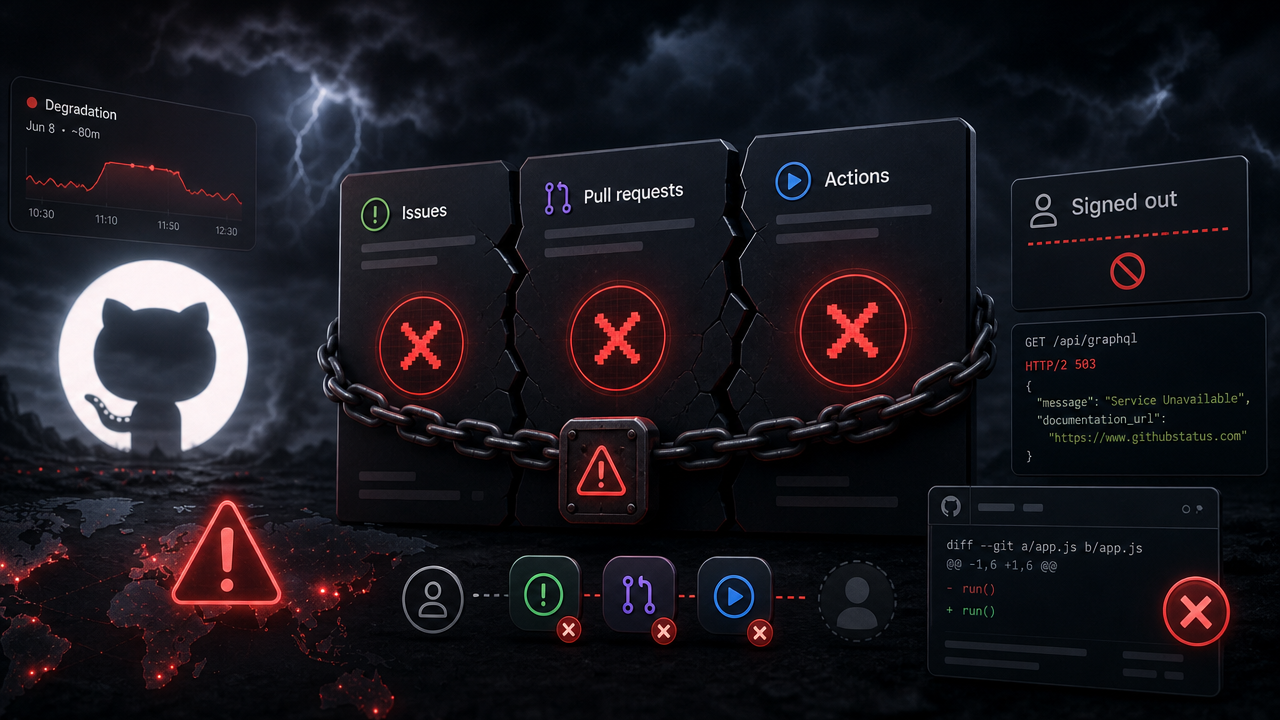
GitHub had a rough start to the day on June 8, 2026, with a string of degraded services that rippled across Issues, Pull Requests and Actions. According to GitHub's status page, the incident ran for over an hour before being mitigated and marked resolved at 08:36 UTC. The company says a detailed root cause analysis will follow once available.
For a platform that sits at the center of how most teams ship code, even a partial outage is enough to derail CI runs, code review and triage workflows worldwide — which is why "GitHub is down" predictably shot to the front page of Hacker News.
What broke, and when
The timeline on GitHub's status page tells a fairly clean story of an incident that started broad and was progressively scoped down:
- 07:14 UTC — GitHub began investigating reports of impacted performance, noting Issues was experiencing degraded availability.
- 07:31–07:32 UTC — Both Issues and Pull Requests were reported as experiencing degraded performance.
- 08:13 UTC — Investigation narrowed the blast radius: impact was "limited to unauthenticated users when accessing Pull Requests, Issues, or Actions."
- 08:27 UTC — Actions was called out as experiencing degraded performance.
- 08:35 UTC — The degradation affecting Actions, Issues and Pull Requests was mitigated, and GitHub moved into monitoring.
- 08:36 UTC — The incident was marked resolved.
The key detail for most engineering teams is that final scoping note: by the time GitHub understood the failure, the observable impact was concentrated on signed-out users. If you were authenticated and pushing code, reviewing PRs, or kicking off workflows, you likely saw little or nothing. The pain landed on anonymous traffic — people hitting public repos' Issues and Pull Requests without logging in, and unauthenticated access to Actions.
Why "unauthenticated only" still matters
It's tempting to file an unauthenticated-only outage under "minor." For a lot of real-world workflows, it isn't.
Public, signed-out access to Issues and Pull Requests is how a huge amount of open-source consumption actually happens: someone hits a 500 in production, searches for the error, and lands on a GitHub issue thread without ever logging in. Documentation links, bug reports referenced from Stack Overflow or vendor docs, and drive-by triage all assume that anonymous read path works. When it degrades, the open-source knowledge base effectively goes dark for anyone not already holding a session.
Unauthenticated Actions impact is the more interesting operational wrinkle. Plenty of automation and integration paths touch Actions without a logged-in human session, so degraded performance there can show up as flaky or stalled CI even when the web UI looks fine to an authenticated developer.
The reliability reminder
GitHub hasn't yet published a root cause, so it's not worth speculating on what failed. What the incident does reinforce is an old lesson that teams keep relearning: a single provider sitting in the critical path of your build and deploy pipeline is a single point of failure, even when that provider is GitHub.
Practical takeaways while you wait for the postmortem:
- Subscribe to status updates directly. GitHub's status page supports email, SMS, Slack, webhook, and Atom/RSS notifications, which beats finding out from a failed deploy.
- Treat CI as fallible. Retries, sensible timeouts, and the ability to defer non-urgent pipeline runs keep a degraded Actions window from cascading into a backlog.
- Know your read-path dependencies. If your runbooks or docs lean on anonymous GitHub access, an unauthenticated-only outage can still bite during an incident of your own.
For now, GitHub reports the issue mitigated and resolved. The promised root cause analysis will be the part worth reading — both for what actually broke and for what it says about the failure modes hiding in the path between authenticated and anonymous traffic.
Discussion 1
Join the discussion
Sign in with GitHub to comment and vote.

I was wondering what was going on.. that explains it!